

Widget Appearance
Customize the look and feel of Elements to match the design of your site.
Section titled “Customize the look and feel of Elements to match the design of your site.”IntelliProve Widgets support visual customisation, which allows you to match the design of your site with the themeOverrides option. The layout of each Widget remains consistent, but you can modify colors and fonts.
- Configure your customer theming
- If needed, fine-tune individual widgets by overriding theming variables
Customer Theming
Section titled “Customer Theming”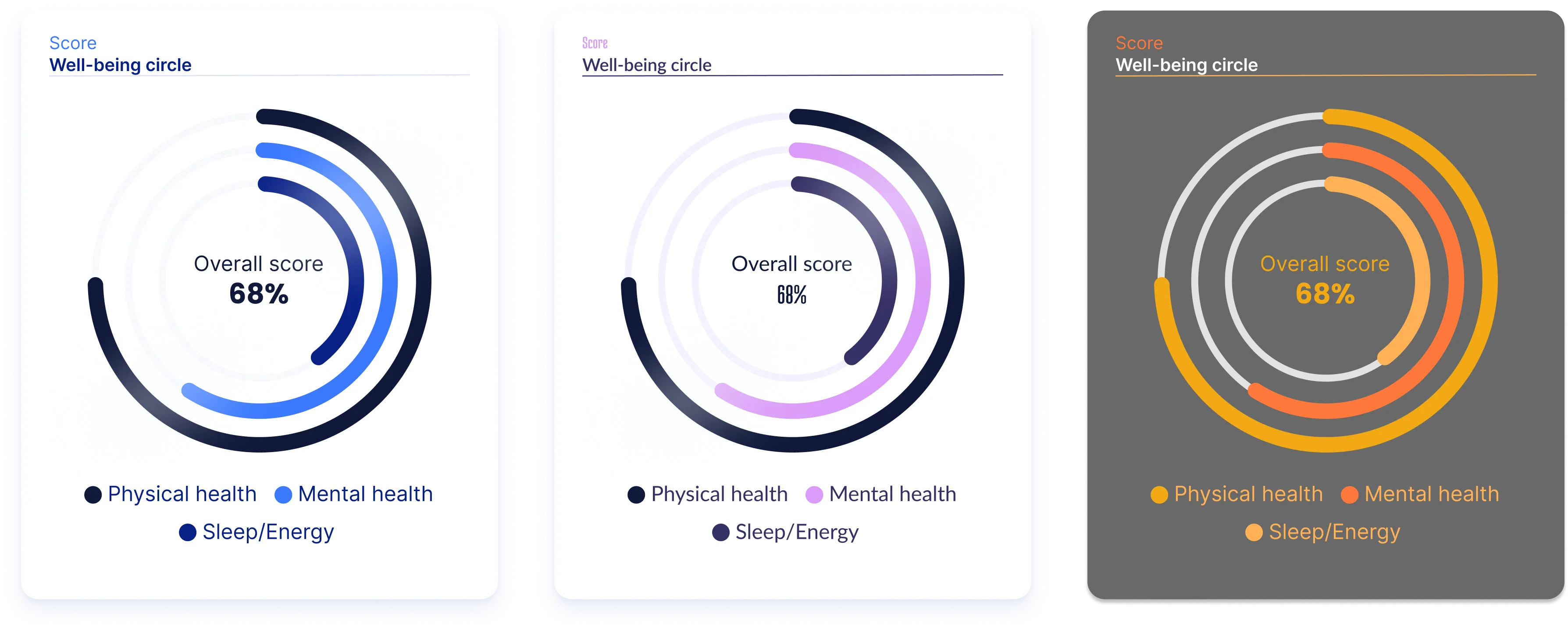
The widgets share the same customer theming as configured for the Plug-in.
By default they will visually match with the rest of the design.
For more information on how the customer theming is configured, refer to the web plug-in documentation.
Theming variables
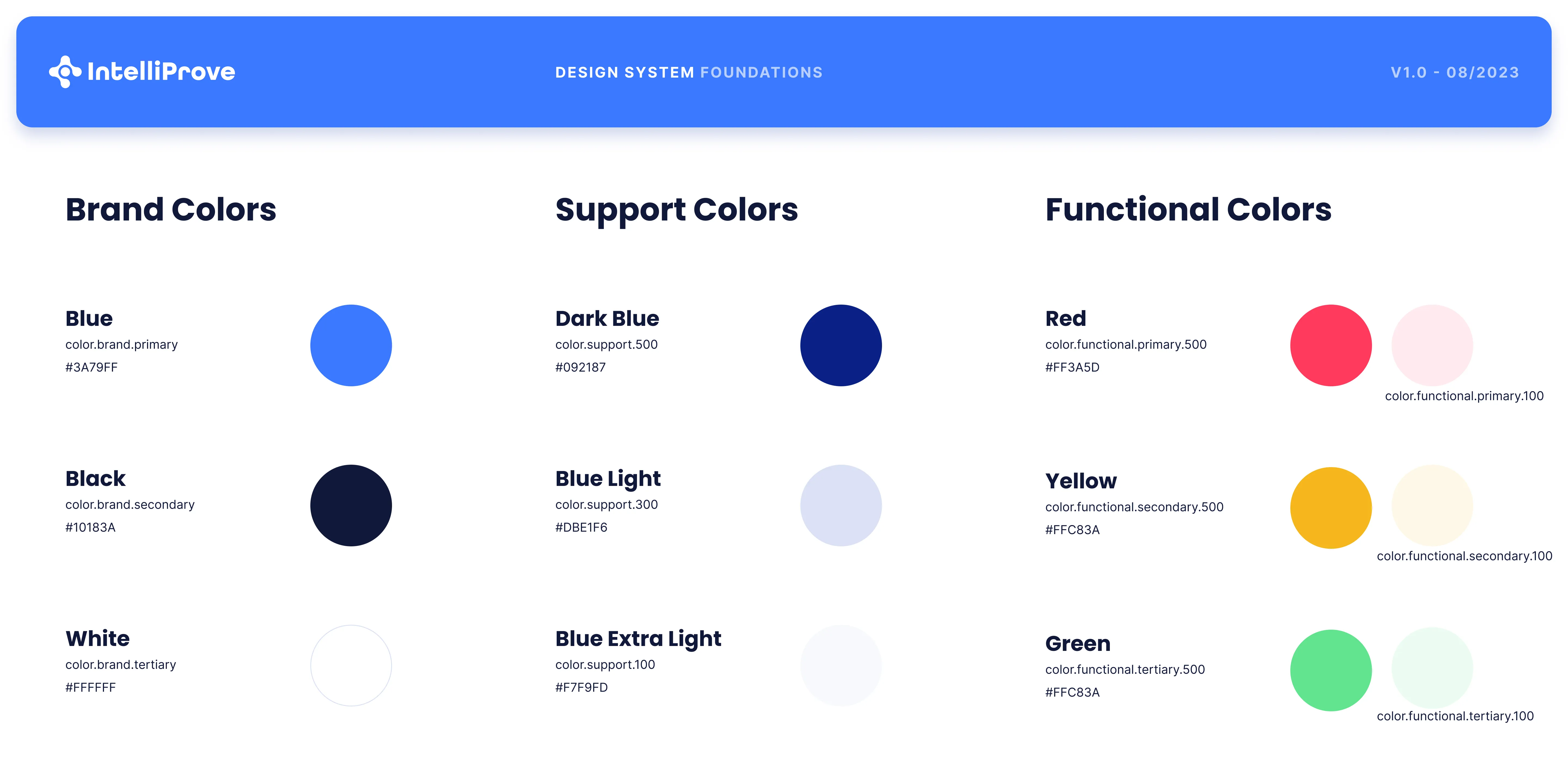
Section titled “Theming variables”The appearance of each individual widget can be fine-tuned by overriding the customer-level theming variables.
Colors
Each individual color in the customer theme can be overridden for an individual widget by passing the themeOverrides object when creating the widget.
Set the color value for a theme variable to the color HEX code, prefixed with ”#”.
const themeOverrides = { "surface_primary": "#FFFFFF", "surface_primary_support": "#EAEDF1", "surface_neutral": "#DBE1E7", "surface_focus": "#3A79FF", "surface_positive": "#3BD66F", "surface_positive_support": "#EDFCF2", "surface_warning": "#F5B71E", "surface_warning_support": "#FEF8E8", "surface_error": "#FF4667", "surface_error_support": "#FFEBEF", "surface_shadow": "#09218719", "surface_hover": "#00000019", "surface_video_overlay_button": "#00000019", "surface_modal_overlay": "#FFFFFFEB", "border_primary": "#DBE1E7", "border_disabled": "#EAEDF1", "text_heading": "#092187", "text_body": "#092187", "text_secondary": "#7186A0", "text_focus": "#FFFFFF", "text_disabled": "#DBE1E7", "text_overlay_disabled": "#FFFFFF33"}Fonts
The IntelliProve widgets automatically inherit the font family from the CSS of the enclosing container.
This script configures the font family for the whole website body. 👉
/* Set font for the entire page */body { font-family: 'Arial', sans-serif; /* Specify the font family */}