

Metric Widget
Introduction
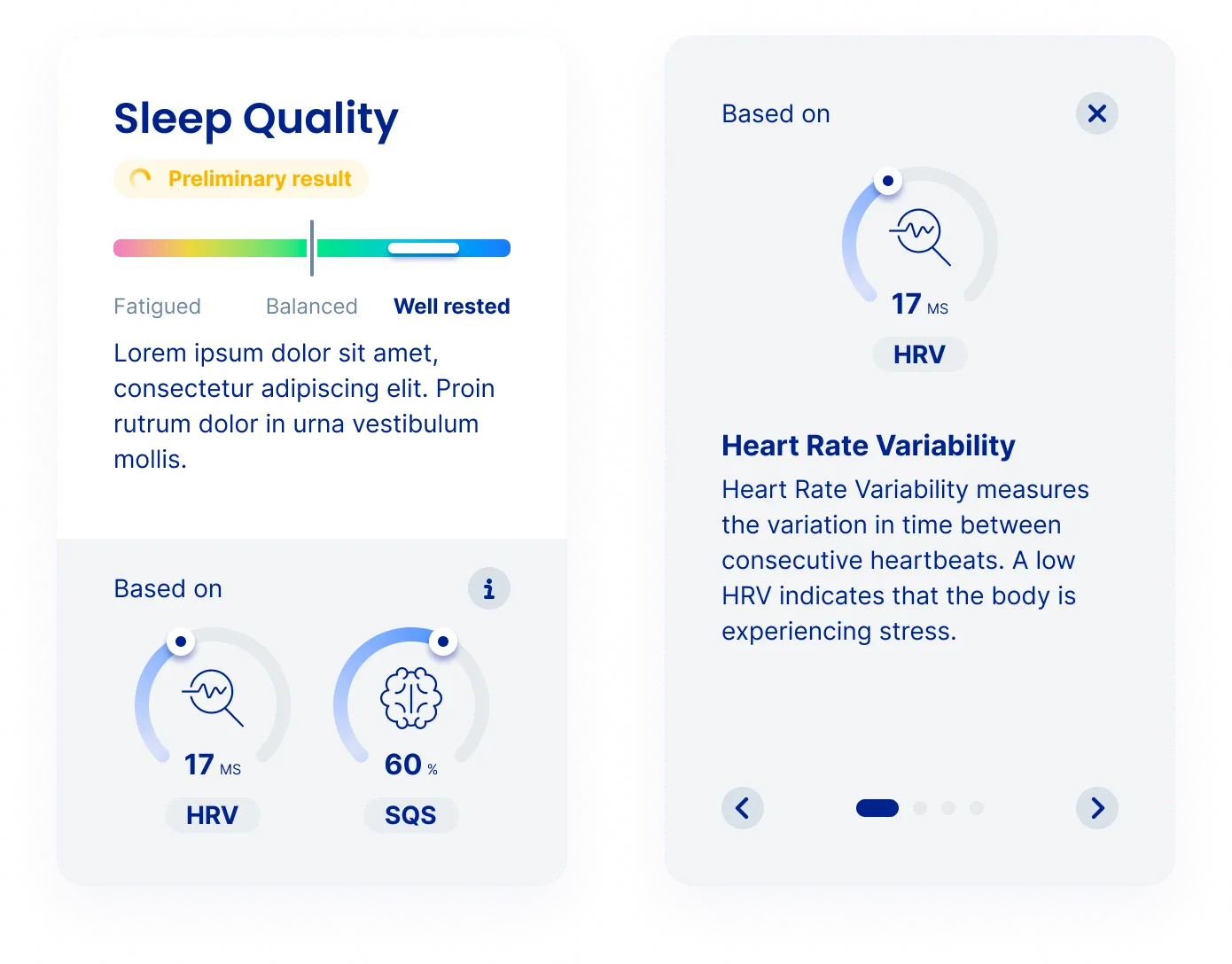
Section titled “Introduction”The Metric Widget presents a high-level interpretation based on metrics derived from data collected over an extended period. By aggregating multiple measurements, it offers users a broader understanding of their health trends and insights. Ideal for users interested in comprehensive health tracking, this widget can display aggregated values like stress levels or fitness scores. It’s designed to provide an overview that aids in interpreting long-term health progress.
View the IntelliWidgets.js reference ->
Creating the widget
Section titled “Creating the widget”The code snippet below creates a Metric widget and mounts it to the DOM:
const intelli = IntelliProveWidgets("user_action_token");
const config = { /* config */ };const variation = "default";const themeOverrides = { /* theme overrides */ };intelli.mountWidget(    "#heart-rate-tile",    "metric",    config,    variation,    themeOverrides);
Config
Section titled “Config”The Metric widget requires additional configuration parameters that describes which parameter should be displayed.
const config = { parameter: "sleep_quality"}| Property | Description |
|---|---|
parameterstring | Metric of choice |
List of available metrics:
| Parameter |
|---|
| mental_health_risk |
| mental_stress |
| sleep_quality |
| energy_balance |
| general_fitness |
| hypertension_risk |
Variation
Section titled “Variation”Reserved for future use.
Theme Overrides
Section titled “Theme Overrides”The Metric Widget allows individual fine-tuning of the appearance.