

V2 Widgets [deprecated]
Overview
Section titled “Overview”The IntelliProve Widgets is a set of prebuilt UI components that streamline the creation of your customised Face Scan flow. They’re available in our JavaScript SDK, IntelliWidgets.js SDK.
The widgets provide everything you need to build an engaging, interactive experience around the Face Scan, allowing you to display various insights based on the results of the Face Scan.
Supported widgets
Section titled “Supported widgets”The IntelliWidgets V2 supports the following components:
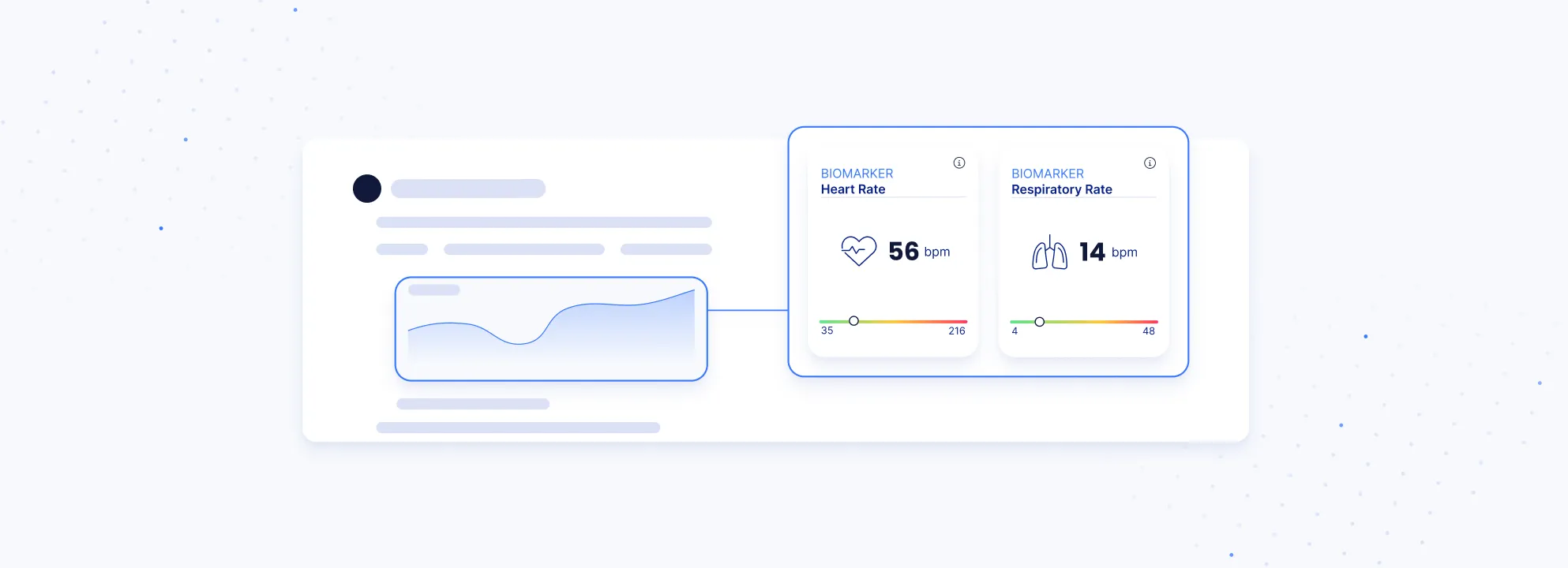
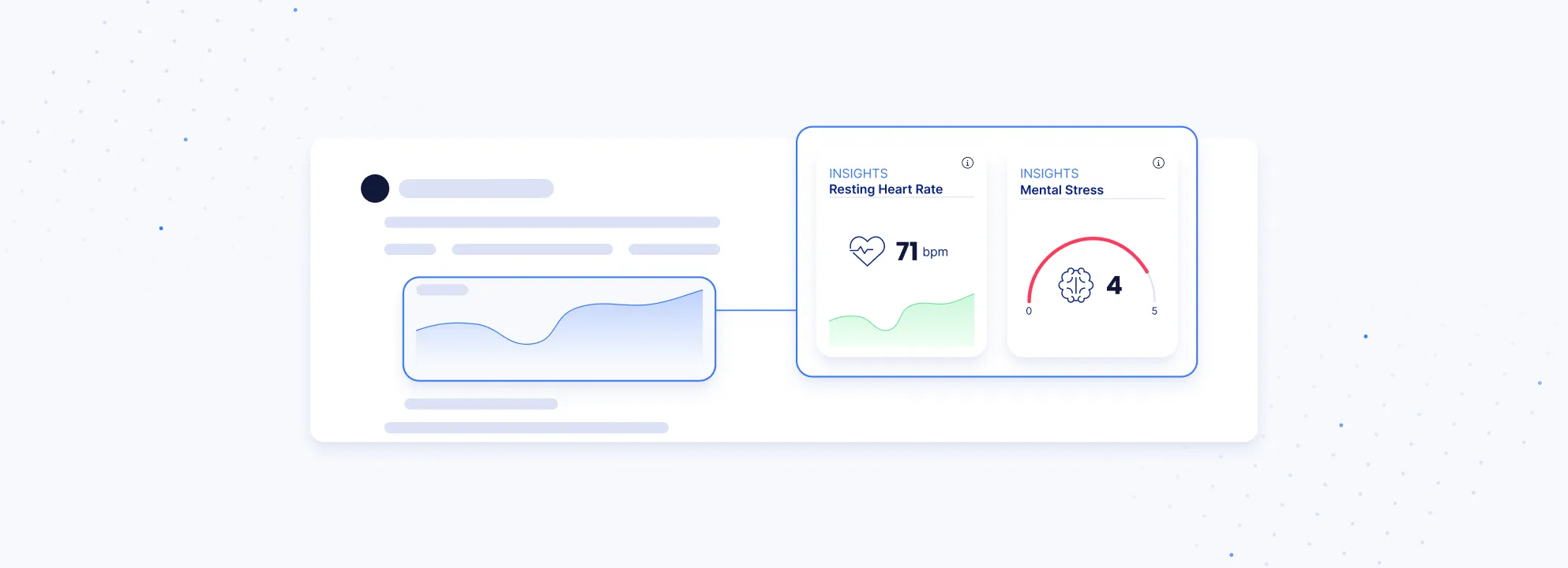


View the IntelliWidget.js reference ->
IntelliProve Widgets come in three predefined sizes — small, medium, and large—each with specific height and width boundaries. The widgets are responsive within these limits, adapting fluidly to their parent container.
Inside these boundaries the widget behaves responsively and adapts to the parent containers size.
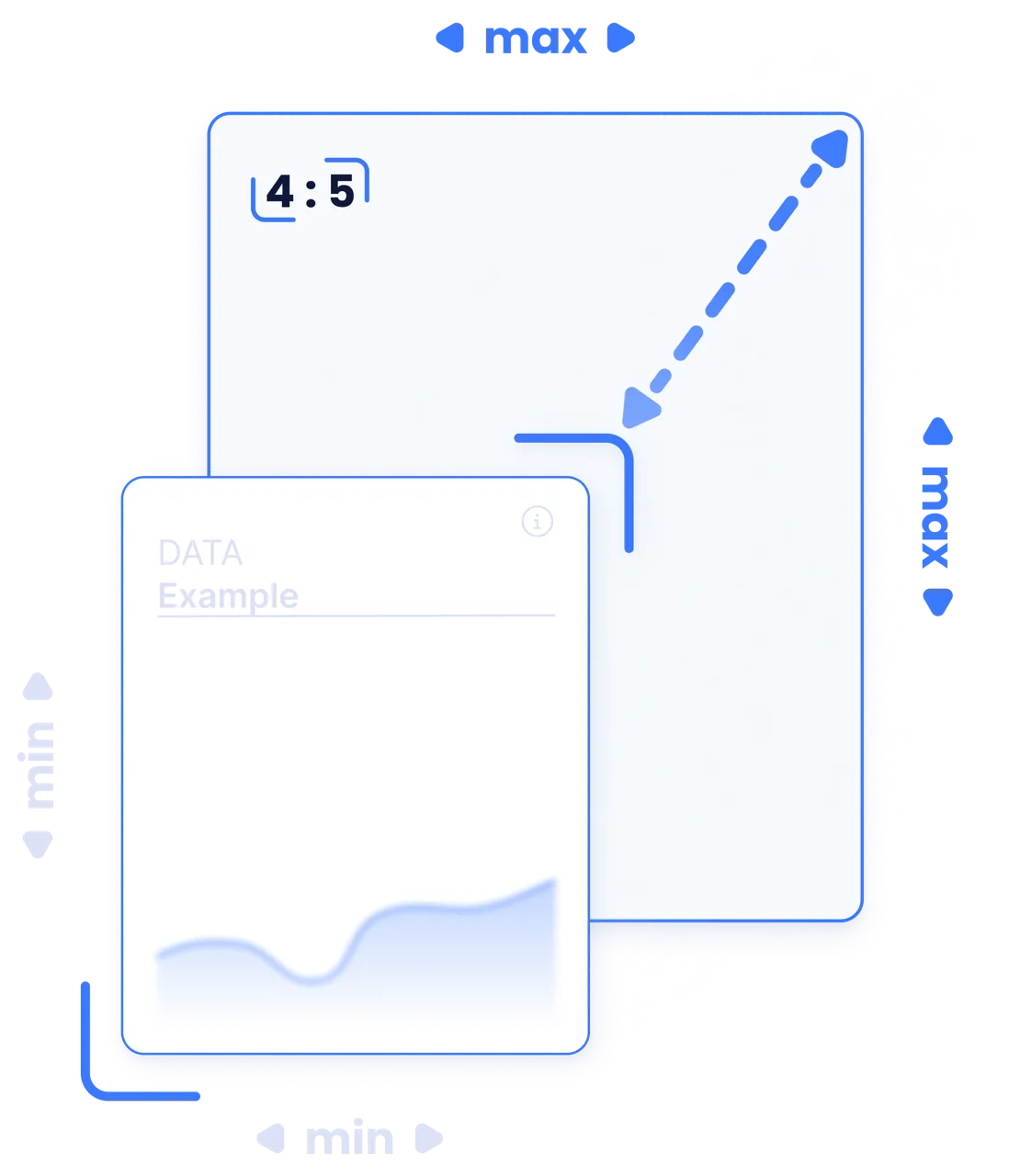
Height
min: 168 px
max: 256 px
Width
min: 136 px
max: 208 px
Aspect Ratio
optimal: 4:5
Medium
Section titled “Medium”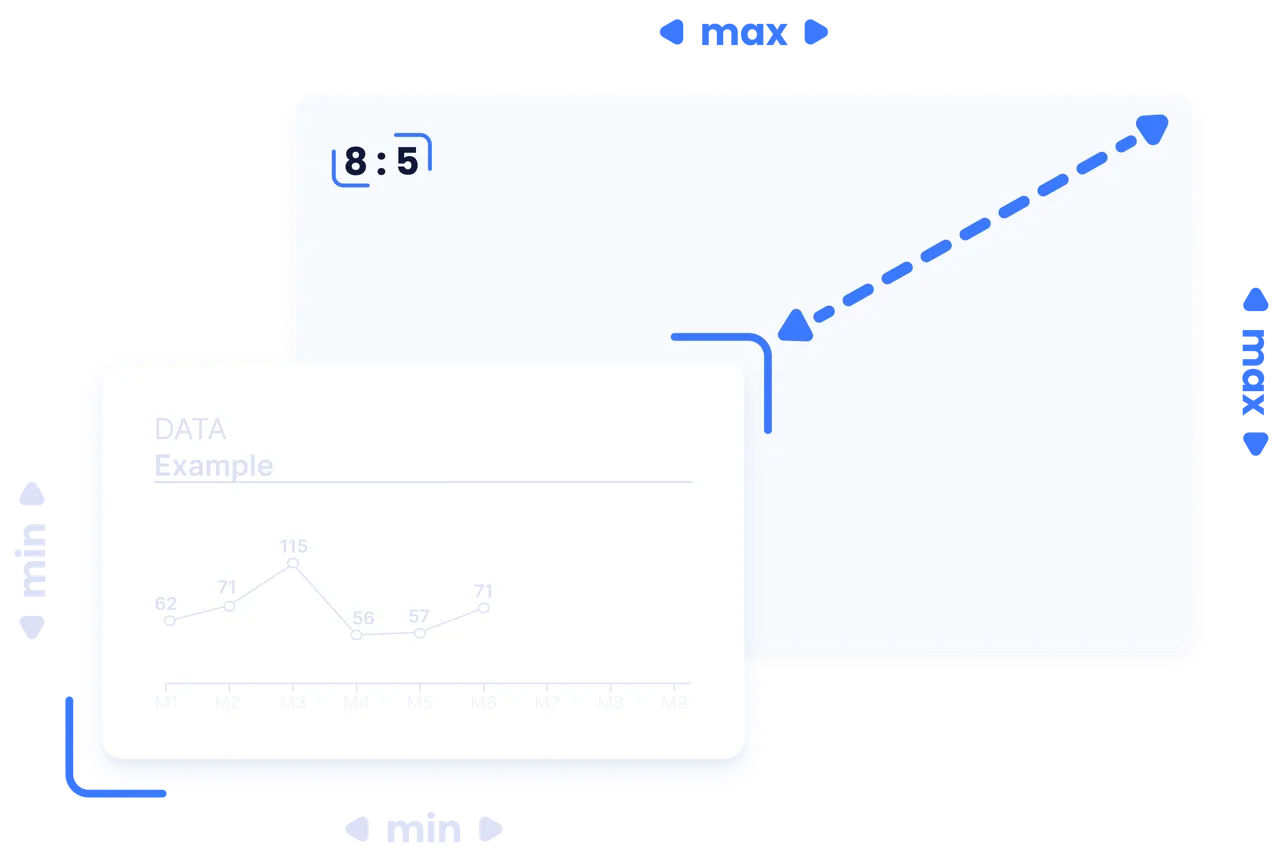
Height
min: 168 px
max: 256 px
Width
min: 272 px
max: 520 px
Aspect Ratio
optimal: 8:5
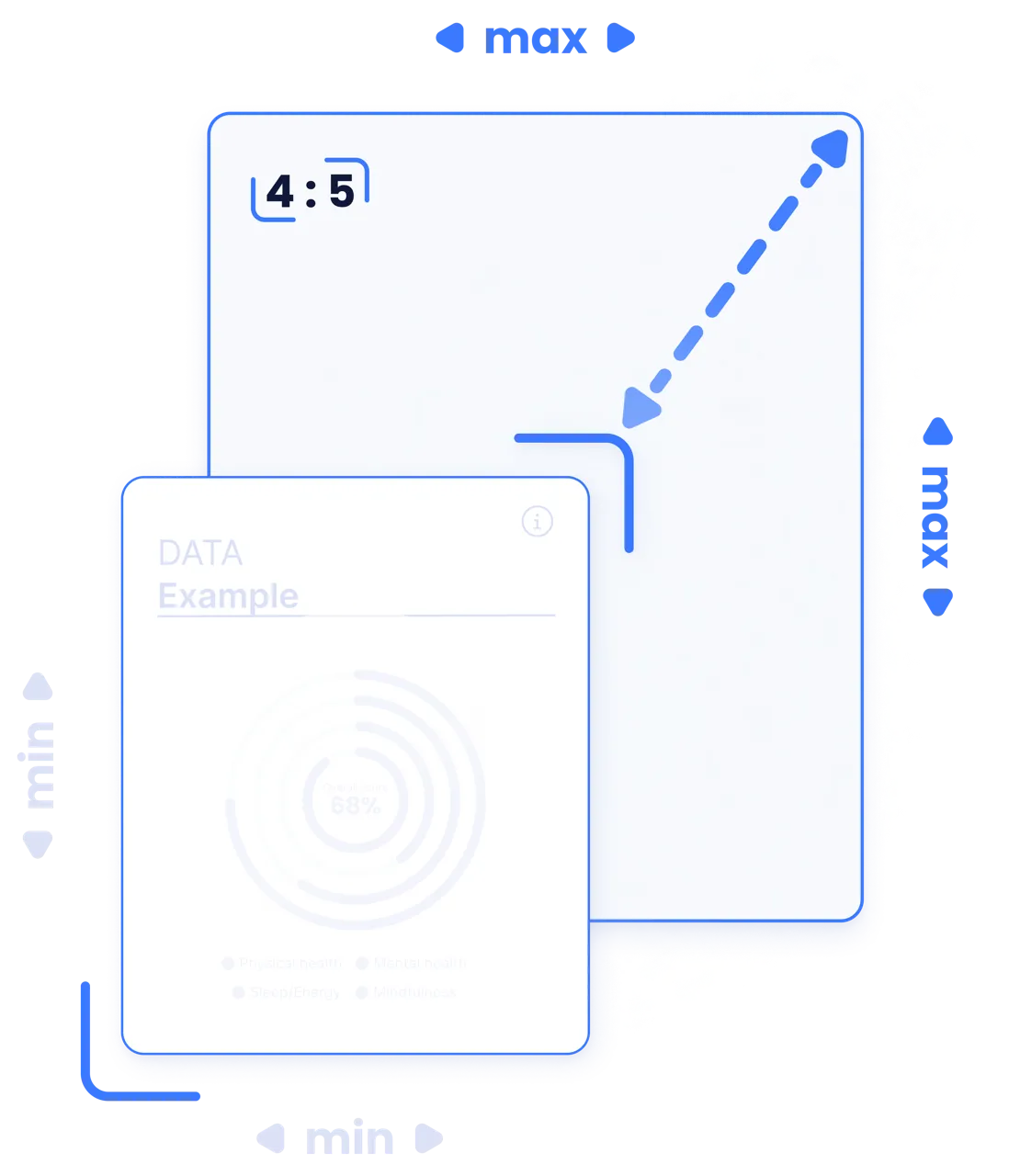
Height
min: 336 px
max: 640 px
Width
min: 272 px
max: 520 px
Aspect Ratio
optimal: 4:5
Mounting
Section titled “Mounting”Adding an IntelliProve Widget to your website is a straightforward process, which we refer to as mounting. You can use the intelli.mountWidget method to quickly embed a widget into your platform.
- First you need to create a container DOM element on your platform.
- Create an
IntelliProveWidgetsinstance, authenticating with a valid user action token. intelli.mountWidgetaccepts a CSS query selector (e.g.,#wellbeing-circle-tile).
<!-- Create the DOM element --><div id="wellbeing-circle-tile"></div>
<script>  const intelli = IntelliProveWidgets("user_action_token");  intelli.mountWidget("#wellbeing-circle-tile", "wellbeing_circle");</script>