

Embed in mobile app
This page section of the documentation explains how to use the IntelliProve plug-in as a native component in your mobile app.
If you haven’t already, please head to our plug-in documentation first to learn more about the features and functionality of the plug-in solution.
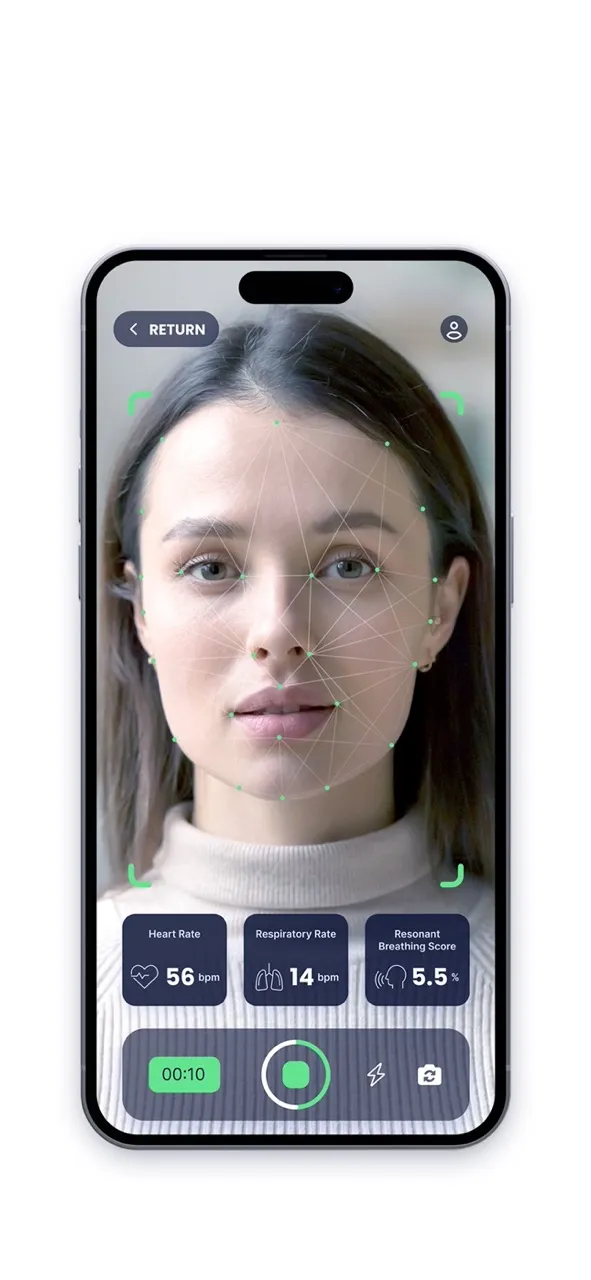
Prerequisites
Section titled “Prerequisites”Make sure you’re able to request a plug-in URL, by following the explanation in our Request plug-in URL page.
The Basic principle
Section titled “The Basic principle”Our platform utilizes the native iOS and Android WebView components for well-considered reasons. This approach ensures optimal performance and seamless integration within your app.
Native SDK Integration
To facilitate easy integration, we offer native SDKs for both iOS and Android platforms. These SDKs streamline the process of setting up the web view and managing outgoing messages (postMessages). Additionally, our SDKs handle the task of prompting users for camera permissions, ensuring a smooth user experience.
Plug-and-Play Functionality
Our solution is designed to be truly plug-and-play. With minimal setup requirements, only the web plug-in URL needs to be provided.
⚠️ Requirements
The minimum iOS SDK version: iOS 15.0
The minimum Android SDK version: 24
⚠️ Limitations
Inherent to using the native iOS/Android component, the web view is limited to be used as a full-screen component only.